
STEP 1 – Bake the Pi (Raspberry Pi Setup)
We are using a 64bit version of the Raspberry Pi OS Lite. You MUST use a 64bit version of the OS or it WILL NOT work!!
- Download the Raspberry Pi OS Lite 64bit image and extract
https://downloads.raspberrypi.org/raspios_lite_arm64/images/
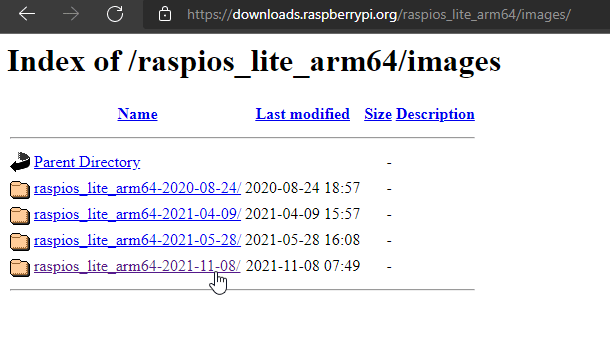
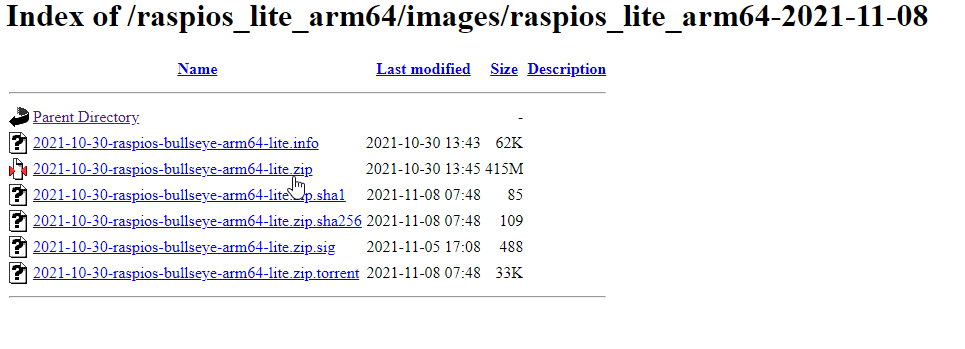
- Write the image to your SD card using the Raspberry Pi Imager:
download and install >> https://bit.ly/3mwqh7Z
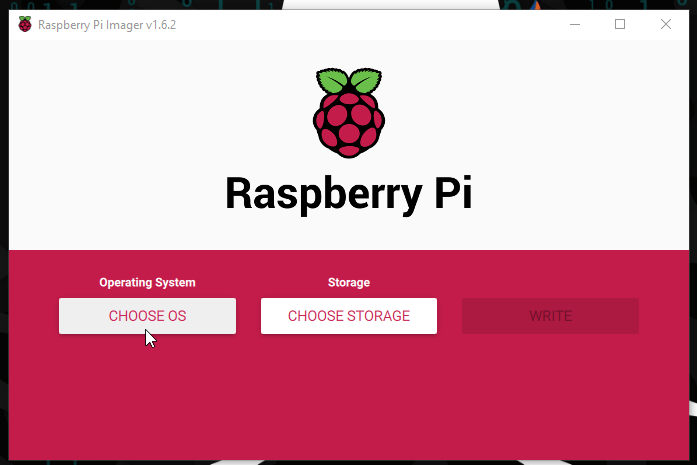

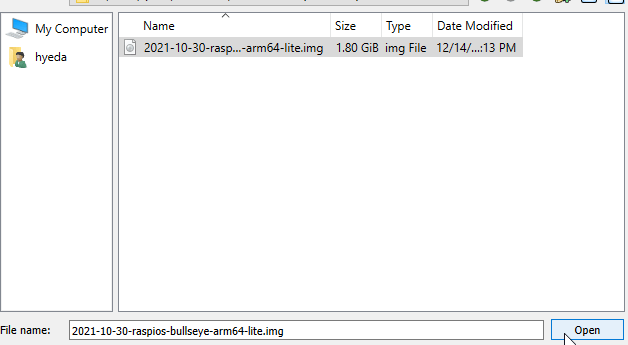
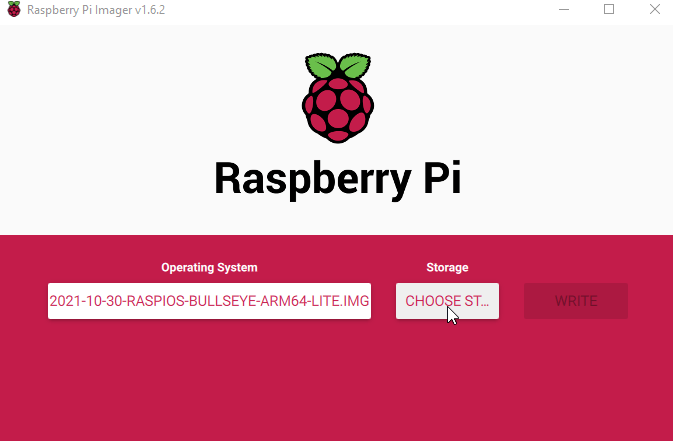
Click on Ctrl+shift+x
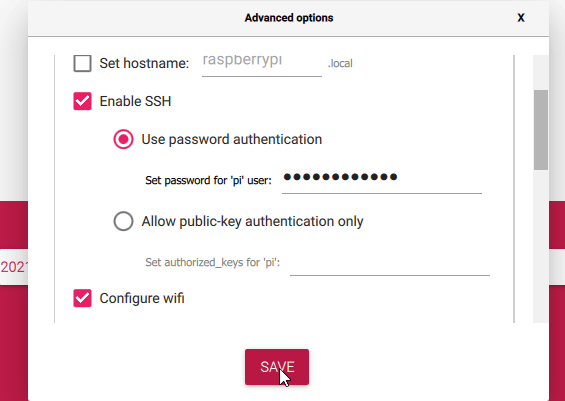
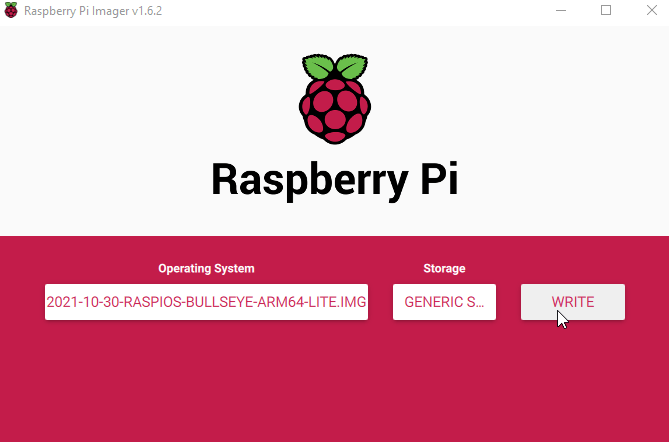
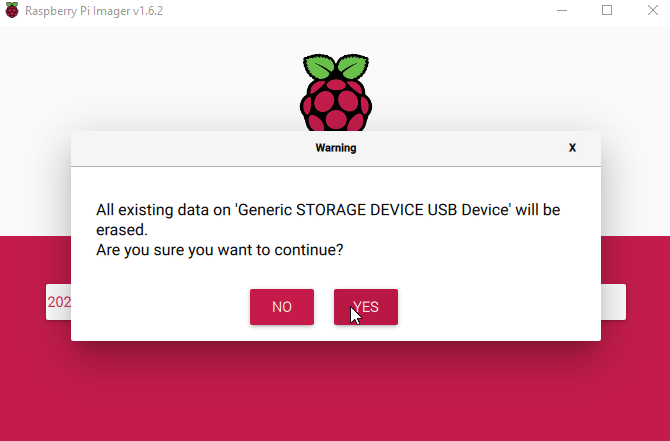

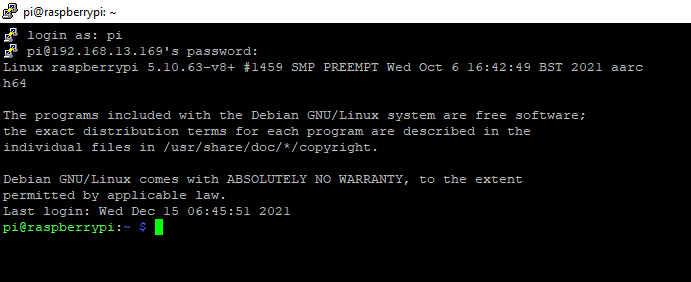
- Connect the SD card to the Raspberry Pi and SSH to it.
STEP 2 – Install the Crypto Mining Software
- Update your repositories
> sudo apt-get update - Install Prerequisites
> sudo apt install git build-essential cmake libuv1-dev libssl-dev libhwloc-dev -y - Clone the XMRig repository from GITHUB using git. (then cd into the new xmrig directory)
> git clone https://github.com/xmrig/xmrig.git
> cd xmrig - Create a new directory and cd into
> mkdir build
> cd build - Install XMRig from source
> cmake ..
> make (This step will take awhile)
STEP 3 – Create a Monero Crypto Wallet
Link: https://www.getmonero.org/
you have multiple options of the Monero Wallet.
NOTE: some antiviruses and firewalls may flag the Monero executables and archives as malware
Create your wallet and get your address
STEP 4 – Start Mining with your Raspberry Pi and XMRig
- Enter this command to start mining. Make sure to insert the wallet address you created in step 3.
> ./xmrig -o gulf.moneroocean.stream:10128 -u yourwalletaddress -p nameofyourpi
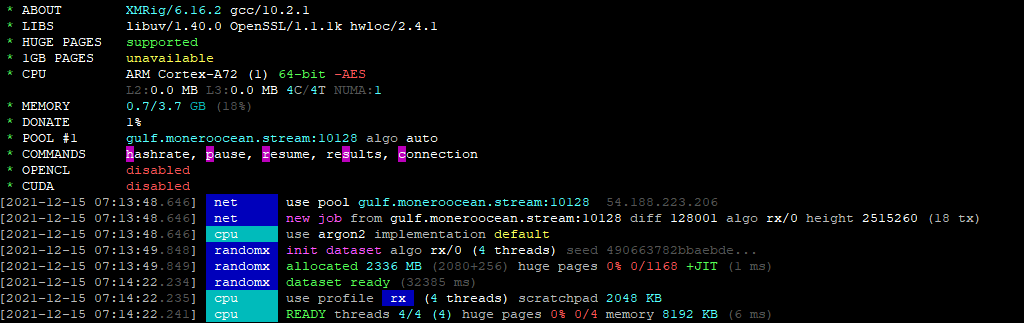
When you press h it will show you the hash rate.

When you press c it will show you your connection

When you press s it will show you your progress
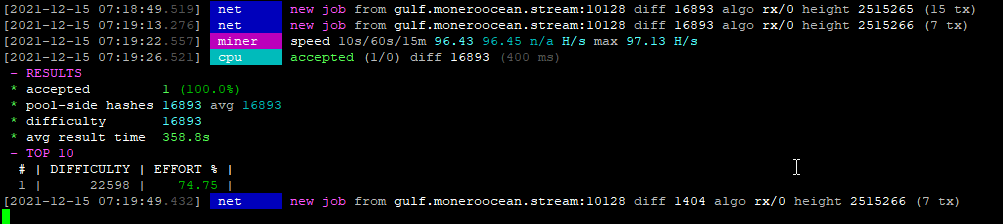
You can also check your progress on the mining pool websites. They show you how many workers/miners you have and how much monero they owe you.
*BONUS*
STEP 5 – Enable Mining at boot
- Open the crontab file
> sudo crontab -e - Add this line of config to your crontab file. (you are adding the same command used in step 4)
> @reboot /home/pi/xmrig/build/xmrig -o gulf.moneroocean.stream:10128 -u yourwalletaddress -p nameofyourpi - Save the file.
 Hye Hacker