
What do you need?
- Linux machine
- Debian based.
- I recommend the latest Ubuntu server.
- SOL (Solana) *at least $5 worth.
- You can buy SOL through Coinbase.
STEP 1 – Create a Solana Wallet on CLI
- Run this command to install the Solana tool.
> ssh -c “$(curl -sSfL https://release.solana.com/v1.8.6/install)” - Exit your terminal and then reconnect.
- Create your Solana wallet.
> solana-keygen new - Check your wallet balance.
> solana balance.
STEP 2 – Purchase Solana and send to your CLI wallet
You can buy SOL through Coinbase
STEP 3 – Install some Prereqs
- Update your repositories
> sudo apt-get update
> sudo apt-get upgrade - Install RUST
> curl https://sh.rustup.rs -sSf | sh #select option 1 for the default install - Exit your terminal and reconnect
- More stuff to install
> sudo apt install libudev-dev -y
> sudo apt install libssl-dev pkg-config -y
> sudo apt install build-essential -y
STEP 3 – Install the Solana Token Program (CLI tools)
- Install the TOOL! (this will take some time)
> cargo install spl-token-cli
STEP 4 – Create your token!!
- Only one command!
> spl-token create-token - Create a token account
> spl-token create-account yourtokenaddress - Mint (create) some tokens!!
- spl-token mint yourtokenaddress amountyouwanttomint yourtokenaccount
- example: spl-token mint vXV3qR4WifEPiteogi9FDQveVthwrvEeRxpjyQdDHwq 500 3PgHtwNjNx4QzL5MfeTGLJkLCVwA7sotvm5MVXSyQvfj
- Check your token account balance
> spl-token accounts - ***OPTIONAL*** Disable minting to limit your supply
> spl-token authorize yourtokenaddress mint –disable
STEP 5 – Transfer your token to another wallet
- Setup another wallet (phantom wallet)(browser extension) —> https://phantom.app/
- Transfer tokens to your new wallet
- spl-token transfer –fund-recipient –allow-unfunded-recipient yourtokenaddress amount recipientwalletaddress
- example: spl-token transfer –fund-recipient –allow-unfunded-recipient vXV3qR4WifEPiteogi9FDQveVthwrvEeRxpjyQdDHwq 10000 6Cc2MFmjjyXyenyEcKoBSq1Rdyw9t65yjXXBQWn34oLY
STEP 6 – Add Your Token to the Solana Registry
- Create your logo (keep it under 200kb and around 300x300px)
- Sign-up for a GitHub account (if you don’t already have one)
- For the Solana Labs Token List repository
- Use the “.” key to enter the web VScode editor
- Create a folder in assets/mainnet with your token address as the name of your folder

- Upload your logo to this folder

- Add your token to the file src/tokens/solana.tokenlist.json

- Commit your change

- Merge with the Solana labs token list repository


- Create pull request and wait for the bot to run.
View your Token on Solana Network
visit https://solscan.io/
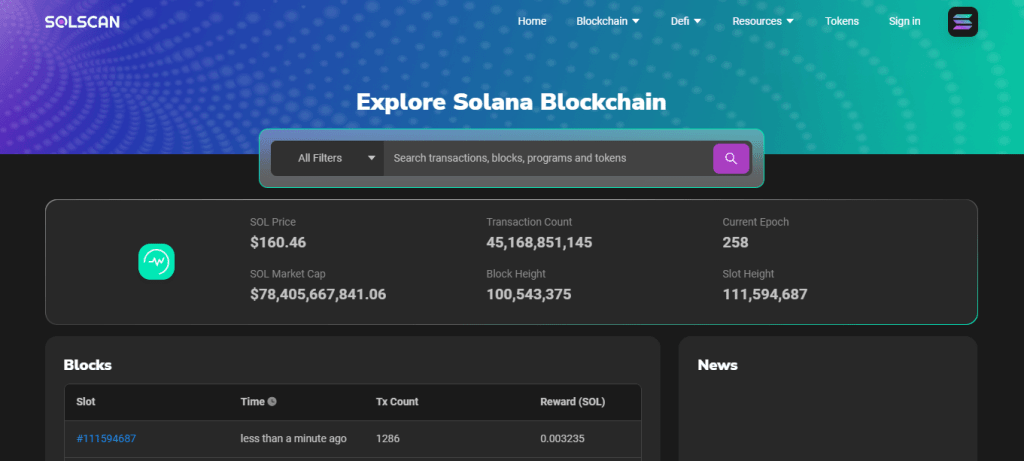
Search your token address and you should be able to view your token and its transactions on the blockchain.
 Hye Hacker