
What do you need? Linux machine Debian based. I recommend the latest Ubuntu server. SOL (Solana) *at least $5 worth. You can buy SOL through Coinbase. STEP 1 – Create a Solana Wallet on CLI Run this command to install the Solana tool.> ssh -c “$(curl -sSfL https://release.solana.com/v1.8.6/install)” Exit your terminal and then reconnect. CreateContinue reading “Creating your own Crypto”
Category Archives: Crypto
Mining Monero XMR with Raspberry PI (Any LINUX will work)

STEP 1 – Bake the Pi (Raspberry Pi Setup) We are using a 64bit version of the Raspberry Pi OS Lite. You MUST use a 64bit version of the OS or it WILL NOT work!! Download the Raspberry Pi OS Lite 64bit image and extracthttps://downloads.raspberrypi.org/raspios_lite_arm64/images/ Write the image to your SD card using the RaspberryContinue reading “Mining Monero XMR with Raspberry PI (Any LINUX will work)”
Mounting a USB on Linux machine
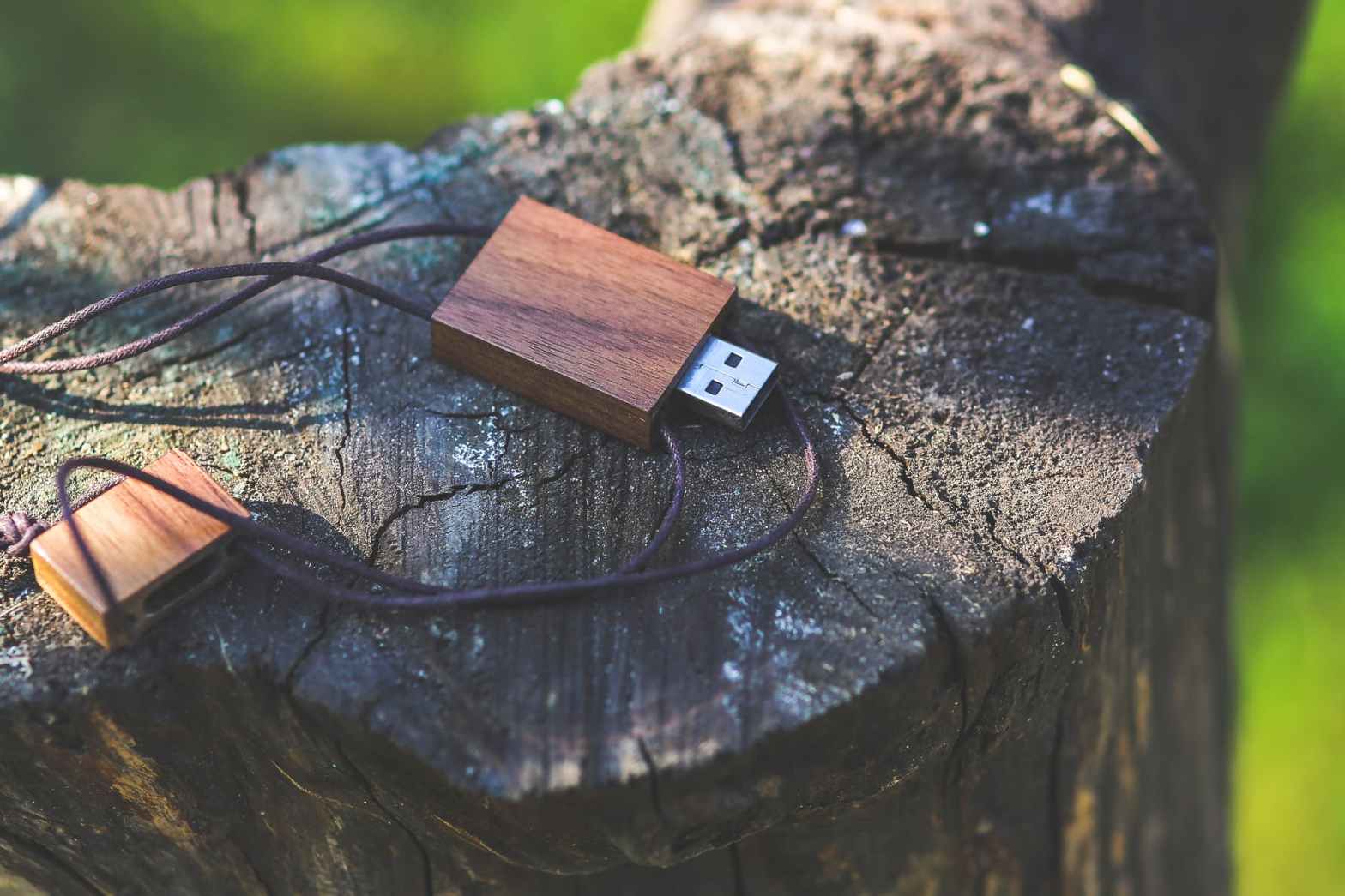
find the name of the disk or the flash drive sudo fdisk -l create a folder that the usb will get mounted on mkdir /media/usb-drive mount the usb mount /dev/sdc1 /media/usb-drive/ to check the USB drive got mounted on correctly mount | grep sdc1 Unmounting the usb umount /media/usb-drive Permanent Mount >>>> add this lineContinue reading “Mounting a USB on Linux machine”
 Hye Hacker