
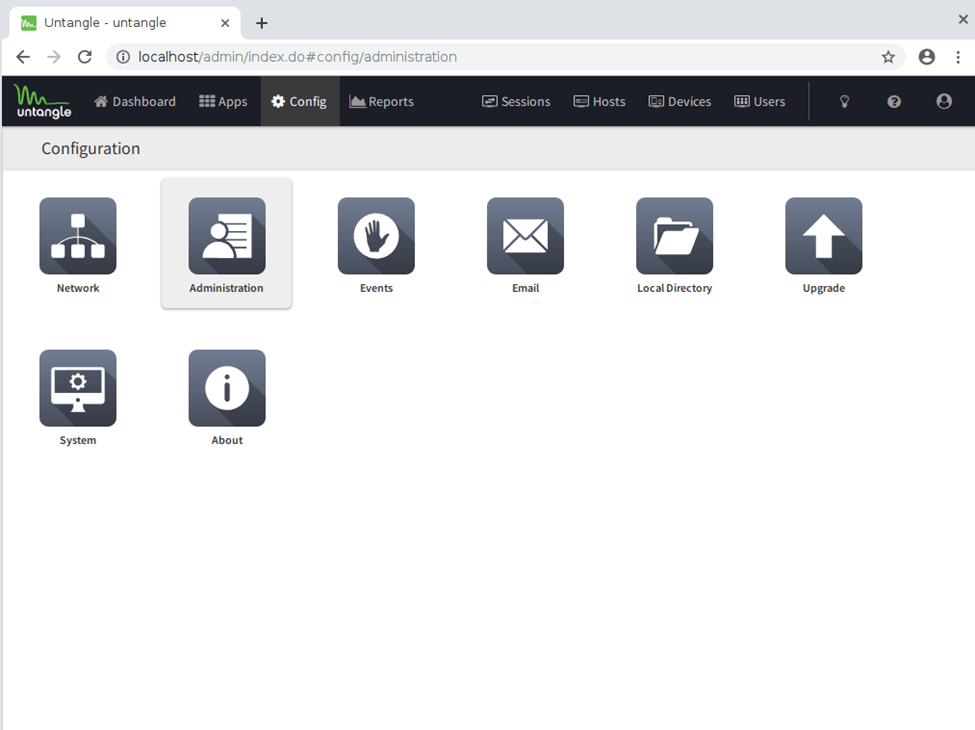
Log into Untangle and go to config then Administration
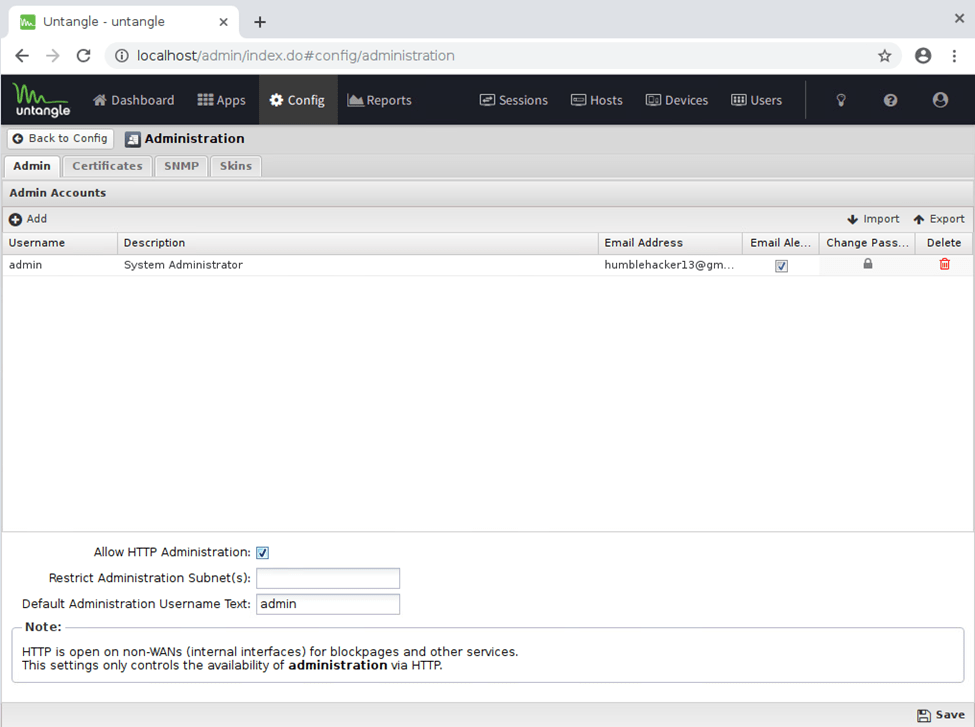
Enable “Allow HTTP Administration” Also, you can create new admin accounts here if needed.
Go back to Config > Network

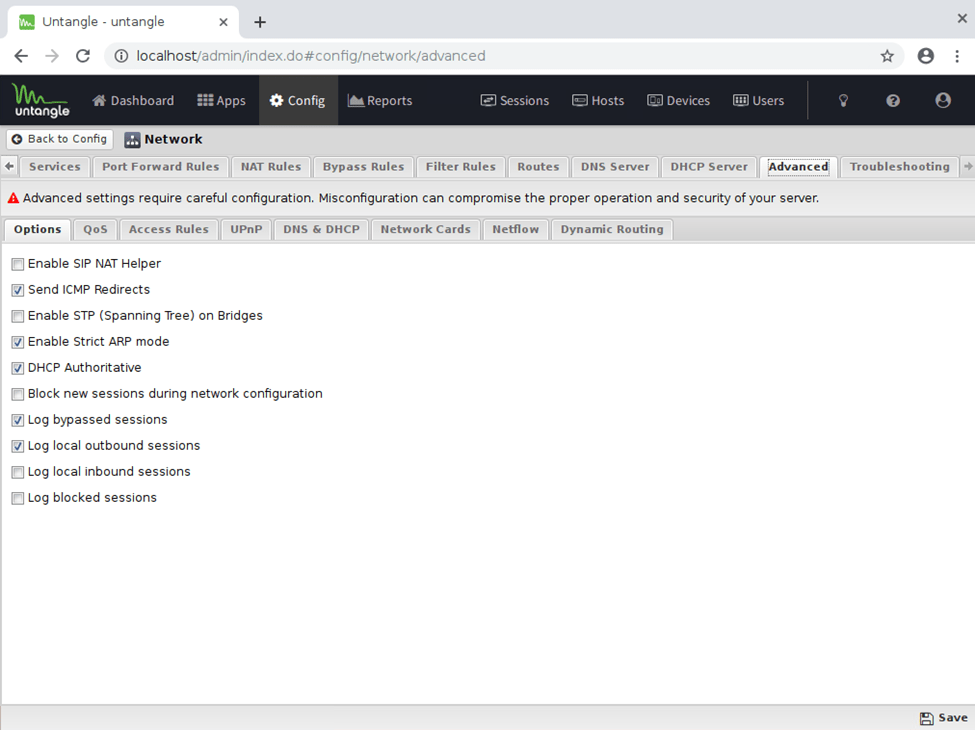
> Advanced tab > Access Rules
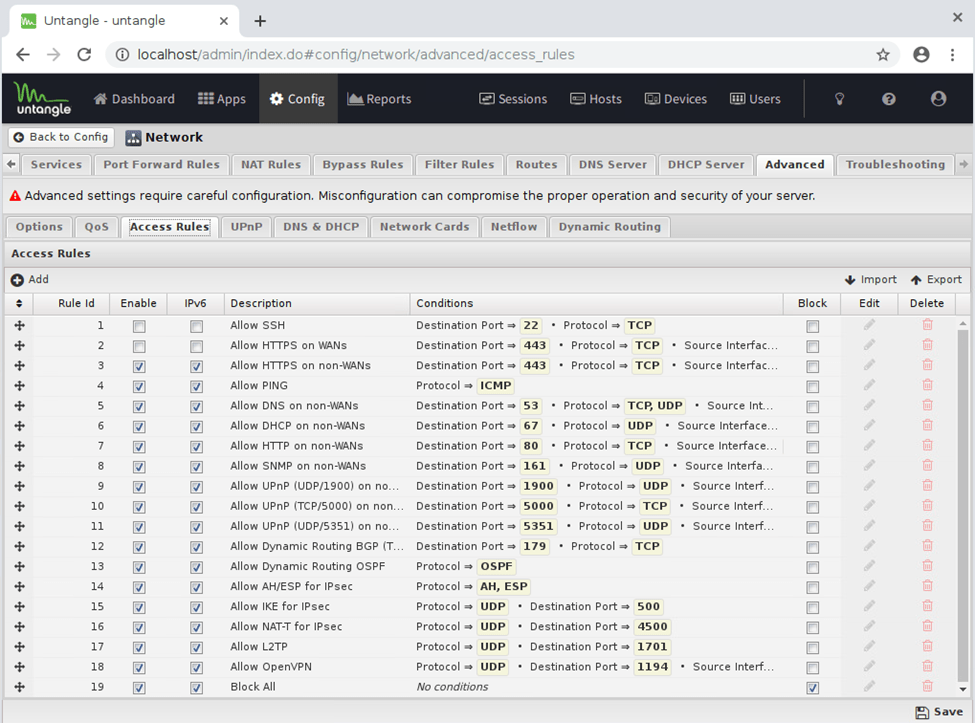
Enable the Access Rule “Allow HTTPS on WANs”
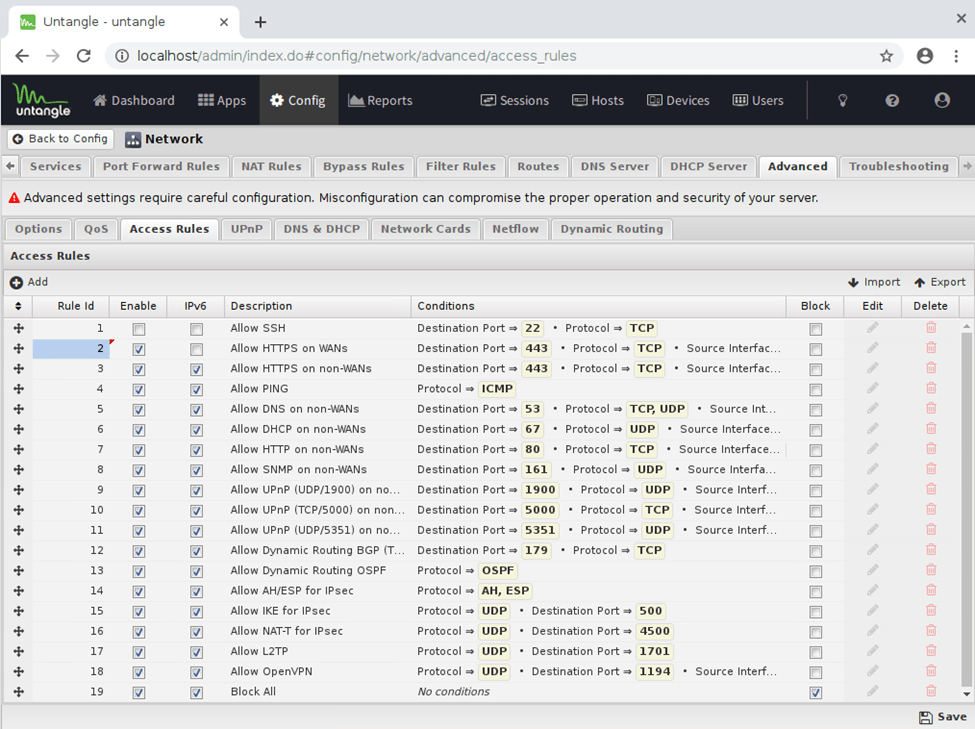
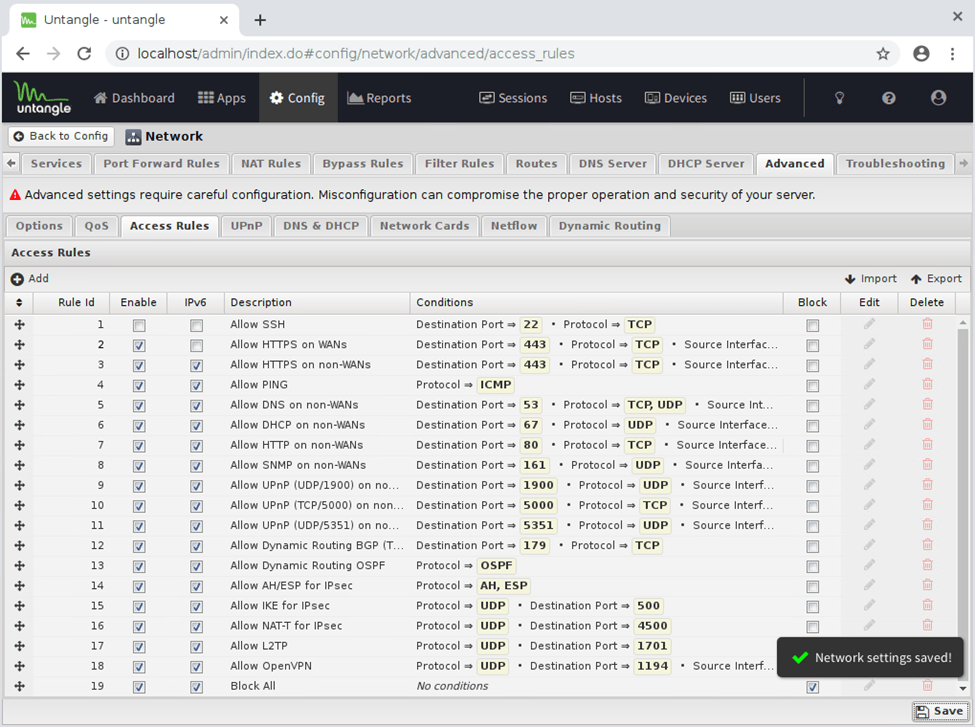
Save
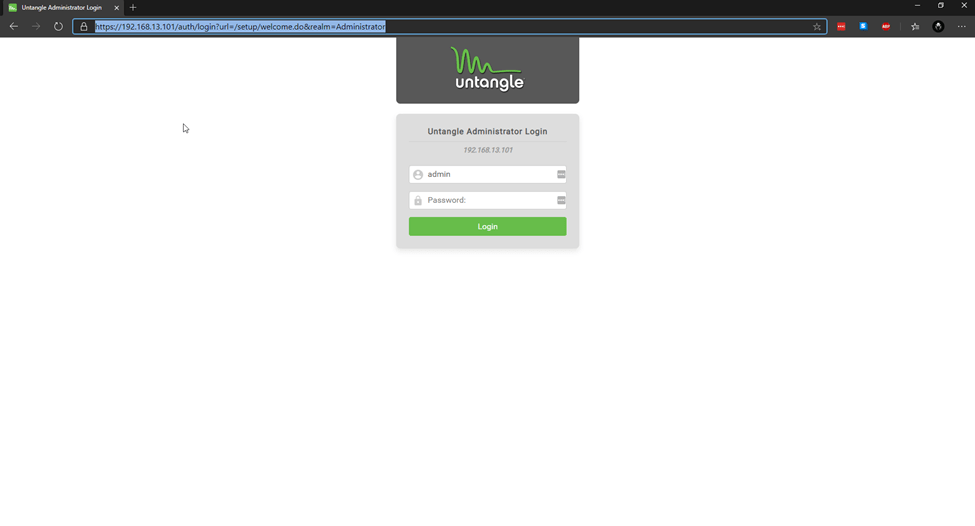
Type in your External Untangle IP and you should reach the login page.
 Hye Hacker