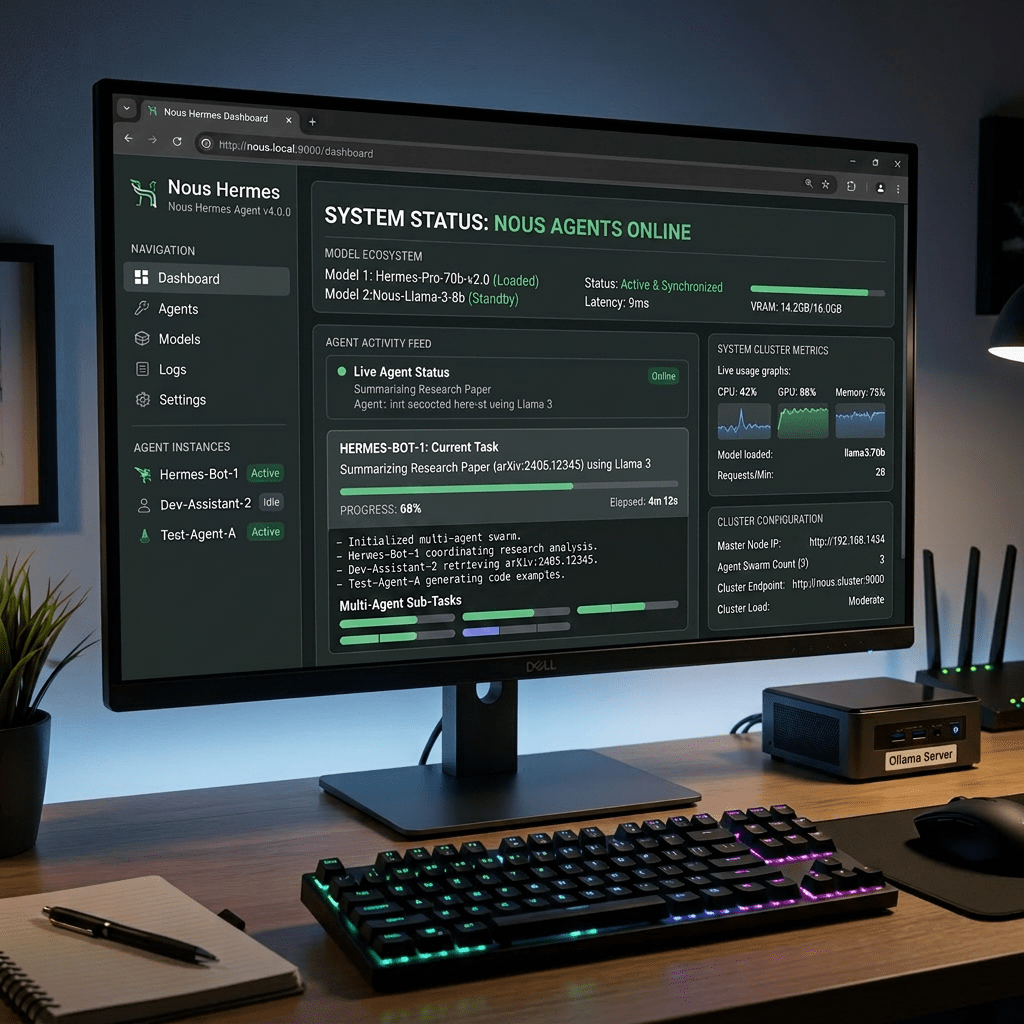
I run a local AI agent setup where the agent software and the language model are on two separate machines. Hermes Agent runs on a ThinkCentre and handles orchestration and Telegram integration. Ollama runs on an Intel NUC and handles the actual LLM inference. Here is how I set it up and why this architecture makes sense.
The Architecture
ThinkCentre (Ubuntu 26.04)├── Hermes Agent├── hermes-gateway (systemd service)├── Telegram bot integration└── Points to NUC for LLM inferenceIntel NUC (Ubuntu Server, 24 GB RAM)├── Ollama (systemd service)├── llama3.1:8b├── qwen2.5:3b└── Listening on 0.0.0.0:11434
The ThinkCentre handles the control plane and stays always-on. The NUC handles the heavy compute. Splitting the workload means the agent stays responsive even when the model is grinding through a long generation. Any machine on the network can also query Ollama directly at http://192.168.13.202:11434.
Step 1: Expose Ollama on the NUC Over the Network
By default Ollama only listens on 127.0.0.1:11434. To make it reachable from other machines, create a systemd override on the NUC:
sudo mkdir -p /etc/systemd/system/ollama.service.dsudo nano /etc/systemd/system/ollama.service.d/override.conf
Add:
[Service]Environment="OLLAMA_HOST=0.0.0.0:11434"
sudo systemctl daemon-reloadsudo systemctl restart ollama
Verify it is listening on all interfaces:
ss -ltnp | grep 11434
You should see *:11434 in the output, not 127.0.0.1:11434. Test from the ThinkCentre:
curl http://192.168.13.202:11434/api/tags
Step 2: Point Hermes at Ollama on the NUC
Edit the Hermes config on the ThinkCentre:
nano ~/.hermes/config.yaml
model: default: llama3.1:8b provider: ollamaproviders: ollama: base_url: http://192.168.13.202:11434/v1 default_model: llama3.1:8b api_key: ollamafallback_providers: []toolsets:- hermes-cli
Critical: The base_url must include /v1 at the end. Without it Hermes hits the wrong API path and returns 404 errors. Ollama has both a native endpoint and an OpenAI-compatible endpoint at /v1. Hermes expects the OpenAI-compatible one.
Step 3: Telegram Integration
Set these in the Hermes env file:
nano ~/.hermes/.env
TELEGRAM_ALLOWED_USERS=YOUR_NUMERIC_USER_IDTELEGRAM_HOME_CHANNEL=YOUR_NUMERIC_USER_ID
Use your numeric Telegram user ID, not your username. Get it by messaging @userinfobot on Telegram. After editing restart the gateway:
sudo systemctl restart hermes-gateway
Model Notes
llama3.1:8b is the main working model. 8 billion parameters, 64K context window which meets Hermes minimum requirement. Responses are slow on CPU-only inference, expect 30-120 seconds. This is normal.
qwen2.5:3b is faster but only has 32K context. Hermes rejects it by default: Model qwen2.5:3b has a context window of 32,768 tokens, which is below the minimum 64,000 required by Hermes Agent.
Useful Commands
On ThinkCentre:
hermes # Start local chathermes gateway status # Check gatewaysudo systemctl status hermes-gateway # Systemd statussudo systemctl restart hermes-gateway # Restart after config changesnano ~/.hermes/config.yaml # Edit confignano ~/.hermes/.env # Edit API keyshermes doctor # Full health check
On NUC:
ss -ltnp | grep 11434 # Verify Ollama is listeningsystemctl status ollama --no-pager # Ollama service statussudo systemctl restart ollama # Restart Ollamacurl http://localhost:11434/api/tags # List models locallycurl http://192.168.13.202:11434/api/tags # List models from another machine

